FlowPay

FlowPay

Making Financial Data Actionable

Making Financial Data Actionable

My role

My role

Product designer

Product designer

Launched

Launched

10 month

10 month

Main project image
Main project image

Company & Product Context

The company builds a fintech platform that helps small and mid-sized businesses manage cash flow, payments, and financial reporting from a single dashboard. The product consolidates bank accounts, transactions, invoices, and financial insights into a unified experience used daily by founders and finance teams. As the customer base grew, the platform expanded in features but struggled to maintain clarity, especially for non-financial users who needed quick answers rather than detailed reports. The core dashboard became the primary touchpoint for understanding financial health and making day-to-day decisions.

Role

Lead Designer

Scope

End-to-end UX strategy and design across discovery, concept and launch

Business Impact

Drove alignment on multi-year vision and product direction

User Impact

446K+ users, 950K+ pins, 45% repeat usage, 56% engagement

Company & Product Context

The company builds a fintech platform that helps small and mid-sized businesses manage cash flow, payments, and financial reporting from a single dashboard. The product consolidates bank accounts, transactions, invoices, and financial insights into a unified experience used daily by founders and finance teams. As the customer base grew, the platform expanded in features but struggled to maintain clarity, especially for non-financial users who needed quick answers rather than detailed reports. The core dashboard became the primary touchpoint for understanding financial health and making day-to-day decisions.

Role

Lead Designer

Scope

End-to-end UX strategy and design across discovery, concept and launch

Business Impact

Drove alignment on multi-year vision and product direction

User Impact

446K+ users, 950K+ pins, 45% repeat usage, 56% engagement

Deep Dive

The problem

Users struggled to understand their financial position at a glance. Key information such as cash runway, upcoming payments, and account balances was scattered across multiple views, forcing users to navigate between screens to build context. This made routine financial decisions slower and increased uncertainty, especially for users without a finance background.

project image
project image

Referencing required leaving the reading experience entirely

What I uncovered

Referencing saved content required 6+ disconnected steps, forcing readers to exit the reading experience and navigate across multiple surfaces.

These workflows were not only inefficient, they directly conflicted with how people actually read.

Readers weren’t moving linearly. They were:

  • Revisiting earlier sections

  • Comparing ideas across pages

  • Referencing diagrams and key passages in real time

…Yet Kindle’s model treated referencing as something to do after reading, not during it.

Critical insight

Even when exploring improvements to existing tools, the underlying model remained unchanged.

Content was treated as something to save and retrieve later, rather than something to use in context, alongside the reading experience.

This created a fundamental gap between:

  • How content was structured in the product

  • How readers actually needed to interact with it

The real problem

This reframed the problem entirely.

Rather than improving highlights, notes, or bookmarks, the opportunity was to rethink how referencing worked at a system level.

This led to the introduction of a new concept:

Pinnable Content: Enabling readers to surface and interact with content directly within the page, without leaving their reading flow.

This direction gained traction as a high impact opportunity, informing both design exploration and product investment for the team.

The problem

Users struggled to understand their financial position at a glance. Key information such as cash runway, upcoming payments, and account balances was scattered across multiple views, forcing users to navigate between screens to build context. This made routine financial decisions slower and increased uncertainty, especially for users without a finance background.

project image

Referencing required leaving the reading experience entirely

What I uncovered

Referencing saved content required 6+ disconnected steps, forcing readers to exit the reading experience and navigate across multiple surfaces.

These workflows were not only inefficient, they directly conflicted with how people actually read.

Readers weren’t moving linearly. They were:

  • Revisiting earlier sections

  • Comparing ideas across pages

  • Referencing diagrams and key passages in real time

…Yet Kindle’s model treated referencing as something to do after reading, not during it.

Critical insight

Even when exploring improvements to existing tools, the underlying model remained unchanged.

Content was treated as something to save and retrieve later, rather than something to use in context, alongside the reading experience.

This created a fundamental gap between:

  • How content was structured in the product

  • How readers actually needed to interact with it

The real problem

This reframed the problem entirely.

Rather than improving highlights, notes, or bookmarks, the opportunity was to rethink how referencing worked at a system level.

This led to the introduction of a new concept:

Pinnable Content: Enabling readers to surface and interact with content directly within the page, without leaving their reading flow.

This direction gained traction as a high impact opportunity, informing both design exploration and product investment for the team.

How might we

How might we

How might we enable readers to reference content in context, without disrupting their reading flow?

How might we enable readers to reference content in context, without disrupting their reading flow?

Research

Research

Research methods

Behavioral analysis of reading and annotation patterns

Competitive analysis

Customer interviews and surveys to uncover pain points

Usability testing (two rounds)

Customer surveys

Cross-functional workshops to align on gaps and opportunities

Research methods

Behavioral analysis of reading and annotation patterns

Competitive analysis

Customer interviews and surveys to uncover pain points

Usability testing (two rounds)

Customer surveys

Cross-functional workshops to align on gaps and opportunities

Understanding the Opportunity Space

To explore how referencing could better support reading, I led a discovery phase spanning competitive analysis, behavioral research, and iterative user testing.

Rather than optimizing existing tools, the goal was to understand how referencing should work within a digital reading experience.

What we explored

I analyzed patterns across adjacent products—including Apple Books, Notion, Google Docs, and media platforms like Netflix and Apple TV—to understand how primary content and supporting tools coexist.

This revealed two key tensions:

  • PiP patterns worked well for passive consumption, where content is viewed at a glance

  • Interactive tools required stability and depth, especially when users needed to read, scroll, or zoom

Additionally, platforms like Notion and Apple Books demonstrated that users are comfortable with on-page tooling—so long as it enhances the primary task rather than distracting from it.

This challenged an existing assumption within Kindle: that preserving a “reading sanctuary” required minimizing all on-page UI.

What we learned from users

Through multiple rounds of user testing, a different pattern emerged.

Users didn’t just want access to saved content—they wanted to interact with it meaningfully.

  • They prioritized not losing their place in the book

  • They expected to scroll, zoom, and explore pinned content

  • They quickly created new workflows (e.g., pinning answers, building flashcards)

  • They welcomed on-page tools when they added clear utility

Critical insight

Referencing is not a passive behavior—it’s an interactive one.

This invalidated our initial assumption.

We had optimized for visibility (seeing content alongside reading), but users optimized for interaction (engaging with the content itself).

Design implication

This led to a key reframing:

  • The problem was not how to surface content

  • It was how to support interaction without disrupting reading

Which required moving beyond existing tool-based models entirely.

Ideation

Validating the interaction model

From floating overlays → integrated reference

Early exploration focused on a Picture-in-Picture (PiP) approach, allowing pinned content to float above the page while users continued reading.

This prioritized flexibility and visibility—but introduced new challenges.

What didn’t work

  • Floating windows created gesture complexity and cognitive load

  • Overlapping interactions made it difficult to scroll and engage with content

  • The model favored glancing, not deeper interaction

Most importantly, it forced users to split attention between:

  • Reading the page

  • Interacting with pinned content

What changed

  • Floating windows created gesture complexity and cognitive load

  • Overlapping interactions made it difficult to scroll and engage with content

  • The model favored glancing, not deeper interaction

Most importantly, it forced users to split attention between:

  • Reading the page

  • Interacting with pinned content

The pivotal moment

Supporting interaction mattered more than maintaining simultaneous visibility.


→ This marked a turning point in the design direction.

Validating the interaction model

From floating overlays → integrated reference

Early exploration focused on a Picture-in-Picture (PiP) approach, allowing pinned content to float above the page while users continued reading.

This prioritized flexibility and visibility—but introduced new challenges.

What didn’t work

  • Floating windows created gesture complexity and cognitive load

  • Overlapping interactions made it difficult to scroll and engage with content

  • The model favored glancing, not deeper interaction

Most importantly, it forced users to split attention between:

  • Reading the page

  • Interacting with pinned content

What changed

  • Floating windows created gesture complexity and cognitive load

  • Overlapping interactions made it difficult to scroll and engage with content

  • The model favored glancing, not deeper interaction

Most importantly, it forced users to split attention between:

  • Reading the page

  • Interacting with pinned content

The pivotal moment

Supporting interaction mattered more than maintaining simultaneous visibility.


→ This marked a turning point in the design direction.

Iterations to final design
project image
project image

Improved visibility, increased complexity

project image
project image

Anchored model, but over engineered for MLP
project image
project image

Balanced interaction model (MLP)

Final Experience

Define, Valitation, iterate

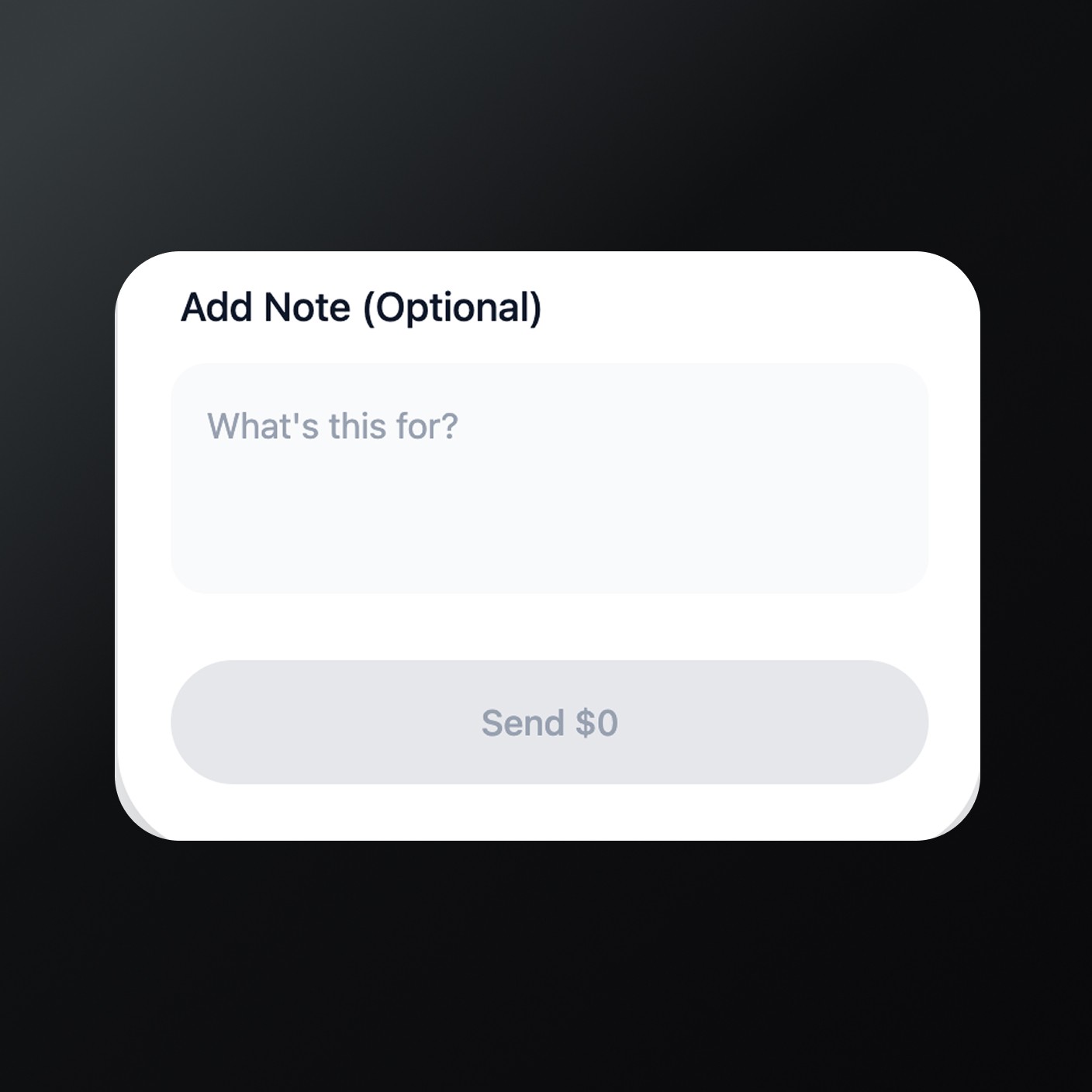
We started with low-fidelity wireframes to explore multiple layout directions quickly. Each iteration was reviewed with stakeholders and tested with users. Feedback was continuously incorporated, allowing us to converge on a solution that balanced simplicity, trust, and scalability.

Feedback from customers

Ongoing feedback sessions with customers and internal finance teams helped validate early assumptions and refine priorities. Users consistently emphasized the importance of clarity and trust over feature density. These insights guided multiple iterations of the experience before moving into full validation.

Positive feedbacks

Usage

Most users reported faster task completion when using the new dashboard. Simplified navigation and clearer data grouping reduced time spent searching for key financial information during daily operations.

Easy to use

Customers described the experience as intuitive and easy to learn. The interface required minimal explanation, allowing new users to become productive quickly.

History

Users appreciated the clear breakdown of balances, transactions, and fees. Improved visibility into financial activity increased confidence and reduced the need to check data across tools.

Feedback from customers

Ongoing feedback sessions with customers and internal finance teams helped validate early assumptions and refine priorities. Users consistently emphasized the importance of clarity and trust over feature density. These insights guided multiple iterations of the experience before moving into full validation.

Positive feedbacks

Usage

Most users reported faster task completion when using the new dashboard. Simplified navigation and clearer data grouping reduced time spent searching for key financial information during daily operations.

Easy to use

Customers described the experience as intuitive and easy to learn. The interface required minimal explanation, allowing new users to become productive quickly.

History

Users appreciated the clear breakdown of balances, transactions, and fees. Improved visibility into financial activity increased confidence and reduced the need to check data across tools.

Outcome and impact

Pinnable Content introduced a new model for in context referencing, fundamentally changing how readers interact with information while reading.

Instead of navigating away to manage saved content, readers could engage with it directly, leading to deeper interaction, higher retention and new reading behaviors.

Outcome and impact

Pinnable Content introduced a new model for in context referencing, fundamentally changing how readers interact with information while reading.

Instead of navigating away to manage saved content, readers could engage with it directly, leading to deeper interaction, higher retention and new reading behaviors.

950k+

Pins created

45%

Repeat usage after first pin

56%

Pin interaction rate

What this means

These metrics show that readers didn’t just save content, they actively used it.

Referencing became part of the reading experience, supporting behaviors like studying, comparing ideas, and revisiting key information without breaking flow.

Product impact

  • Established a new interaction model for in-book experiences

  • Influenced broader investment in interactive and AI-powered reading features

  • Helped shift Kindle from linear consumption → active engagement

This work reinforced that meaningful innovation in reading isn’t about adding more features, it’s about rethinking how interaction fits within the experience itself.

Testimonials

Hear it from our customers..

"This is the best new feature in a long time. I’m always hunting for my bookmarks for pronunciation guides, glossaries, maps, etc., especially for fantasy books. I love this! You can even zoom in on images right within the pop up"

Reddit User

1.6K upvotes · 134 comments

"I’m following a Bible reading plan that includes one chapter from the Old Testament and one chapter from the New Testament each day, I started using the pin feature to make it easier to hop back-and-forth. I really appreciate it, and your post gives me hope that there are other uses for it that I haven’t even imagined."

Reddit User

89 upvotes · 4 comments

"Well as a avid historical fiction and fantasy reader this is a game changer lol. Had always to go back so I just preferred to read those books in paper form. Very nice."

Reddit User

94 upvotes · 13 likes

"This pin feature is truly a game changer. I usually take a photo on my phone of any maps I need to reference and just pull them up when I need to picture the area the author is referencing."

Reddit User

40 upvotes

What I learned from this project

Breaking and rebuilding is part of the process

Some of the most important progress came from stepping back and rethinking the approach entirely. Letting go of early directions made space for a stronger, more intentional solution.

Breaking and rebuilding is part of the process

Some of the most important progress came from stepping back and rethinking the approach entirely. Letting go of early directions made space for a stronger, more intentional solution.

Breaking and rebuilding is part of the process

Some of the most important progress came from stepping back and rethinking the approach entirely. Letting go of early directions made space for a stronger, more intentional solution.

There’s no substitute for real user feedback

Assumptions only go so far. It wasn’t until we saw how people actually used the experience that the right direction became clear.

There’s no substitute for real user feedback

Assumptions only go so far. It wasn’t until we saw how people actually used the experience that the right direction became clear.

Your first idea is rarely the right one

Your first idea is rarely the right one

Your first idea is rarely the right one

Your first idea is rarely the right one